
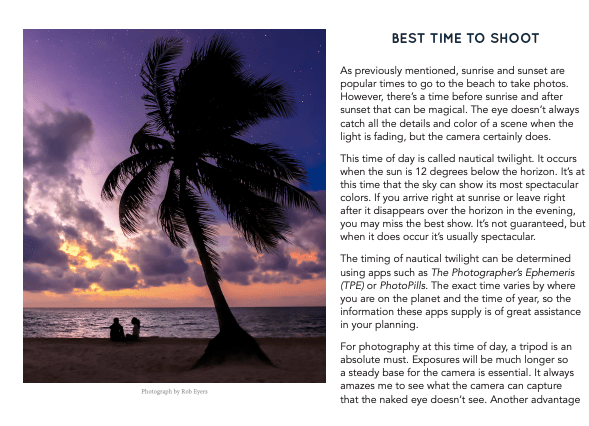
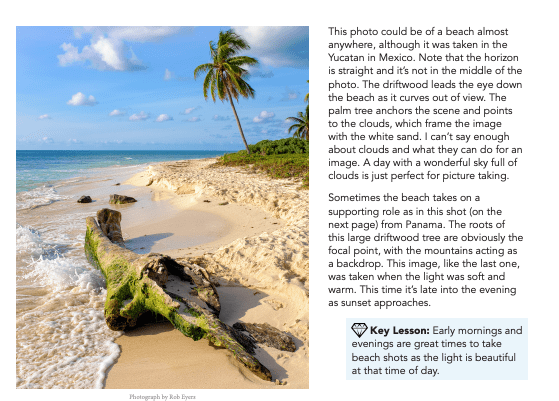
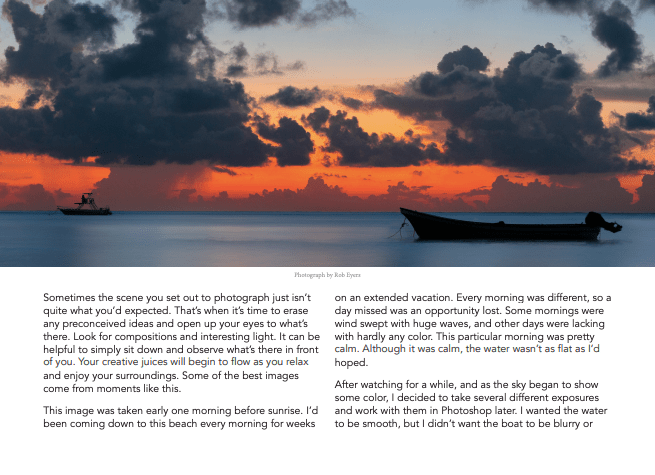
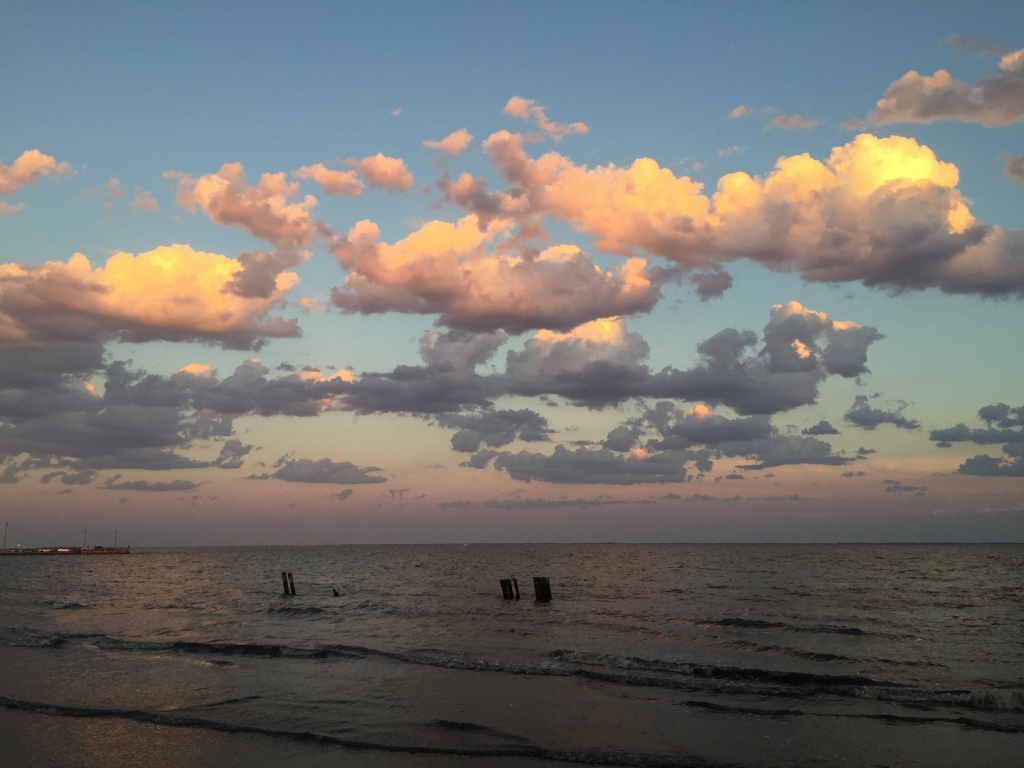
The lesson I read on photzy was called “HOW TO DOCUMENT YOUR BEACH VACATION WITH PANACHE“. I love to take photos of sunsets, and I thought that this lesson could really help me to elevate my sunset instagram game. I’m originally from Long Island and I am lucky enough to be able to see the water every day. The ocean is a big part of my life and I love to photograph it. The sunsets at home are unparalleled. I learned that the horizon doesn’t necessarily have to always be the focal point of a beach photo. The author suggested making the focal point something that may be coming into the frame, like a tree or driftwood. I also learned not to have the horizon at the middle of the picture, but to have it in either the top third or bottom third.
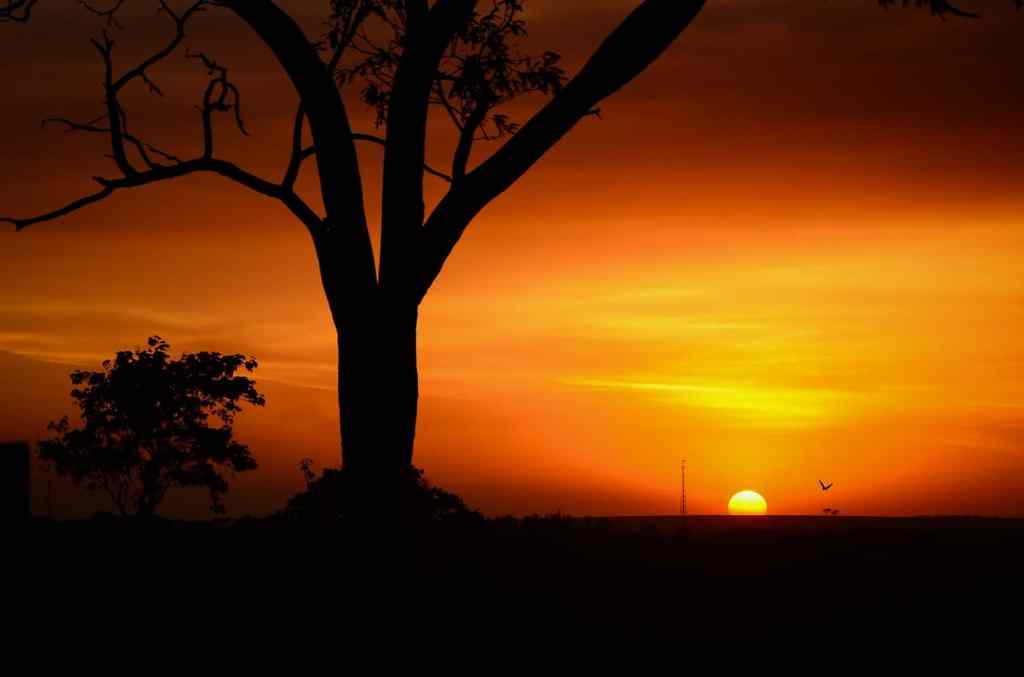
I also read the article from our class’ flipboard account titled “5 Easy Tips For Improving Your Sunset Photography”. I liked this article because it was relevant to what I enjoy to photograph. Tip number 1 explained how to take advantage of the ‘golden hour”, also known as the period of time just before the sun sets and everything has a golden glow to it. Tip number two reminded readers that there are objects and silhouettes to be captured as well as the sun, and gave these pictures as examples.
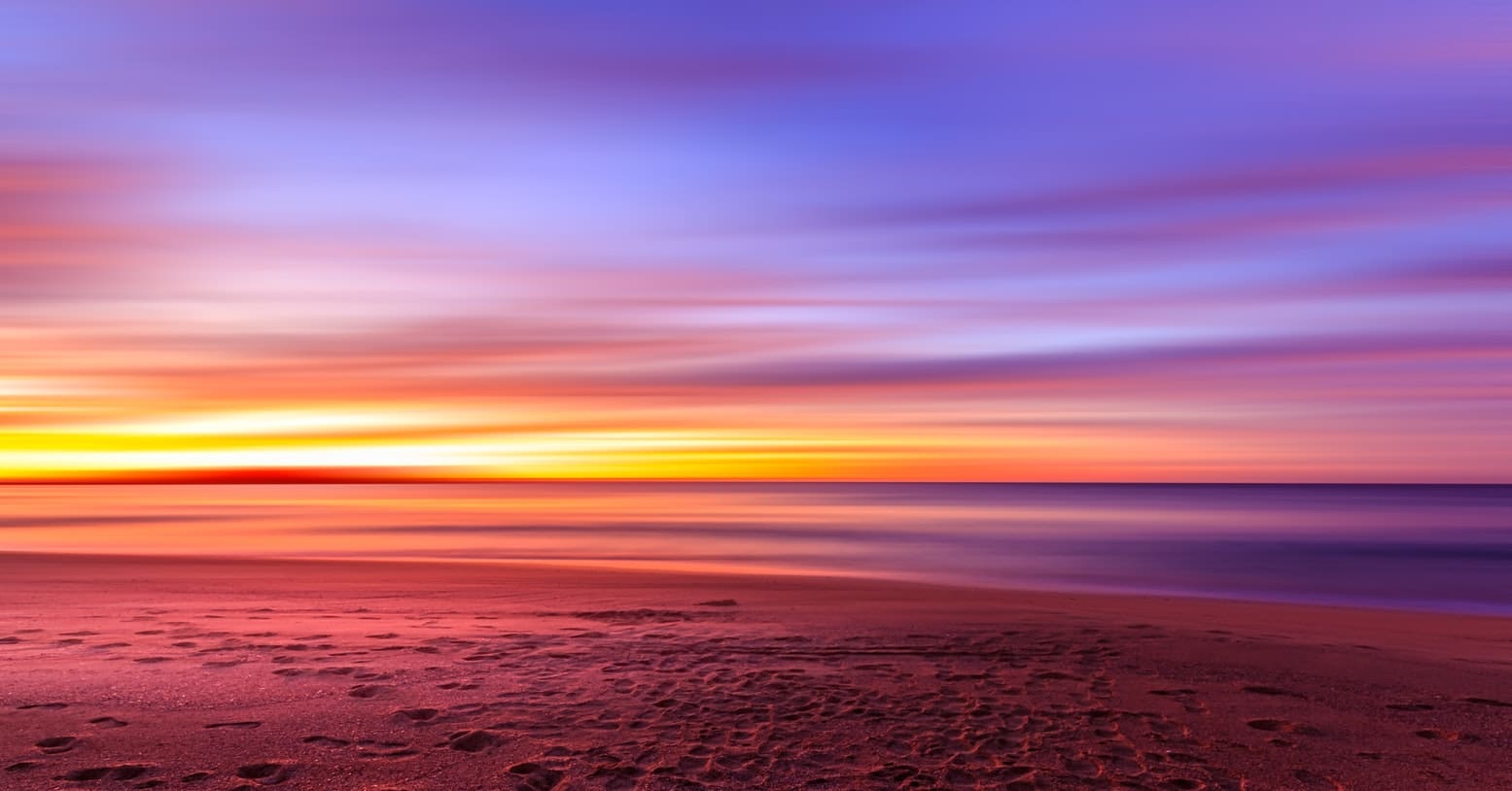
Tip number three reminded photographers to adjust their aperture to the smallest your lens can achieve. Tip number four suggested using a tripod to reduce shakiness and blur or lens flares. The last tip, number 5, taught readers about composition techniques such as, complementary colors, foregrounds, and reflections.
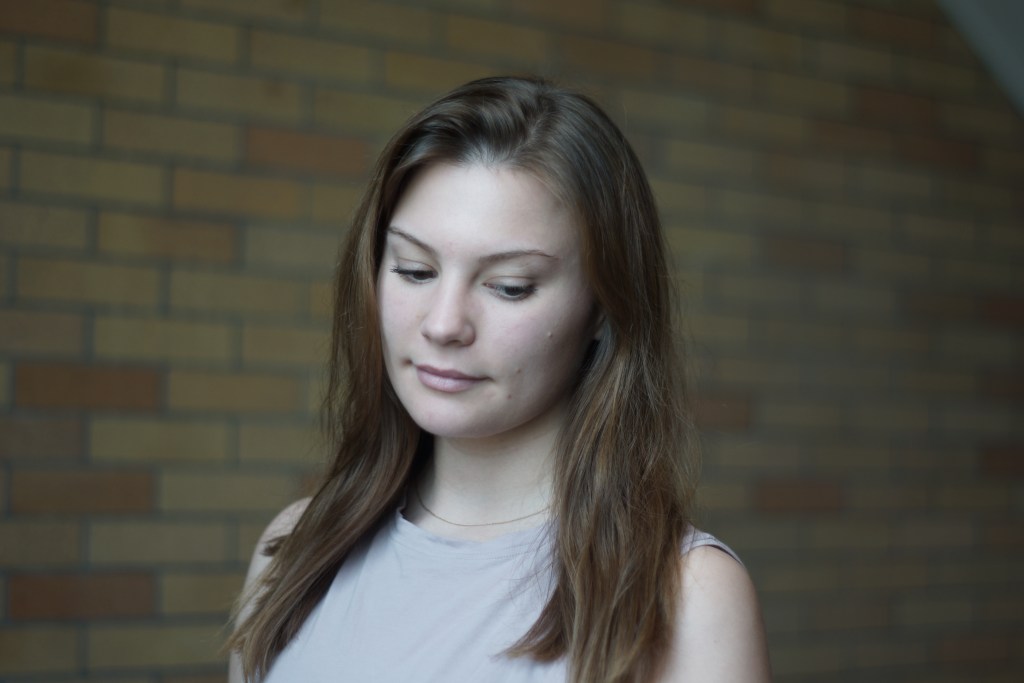
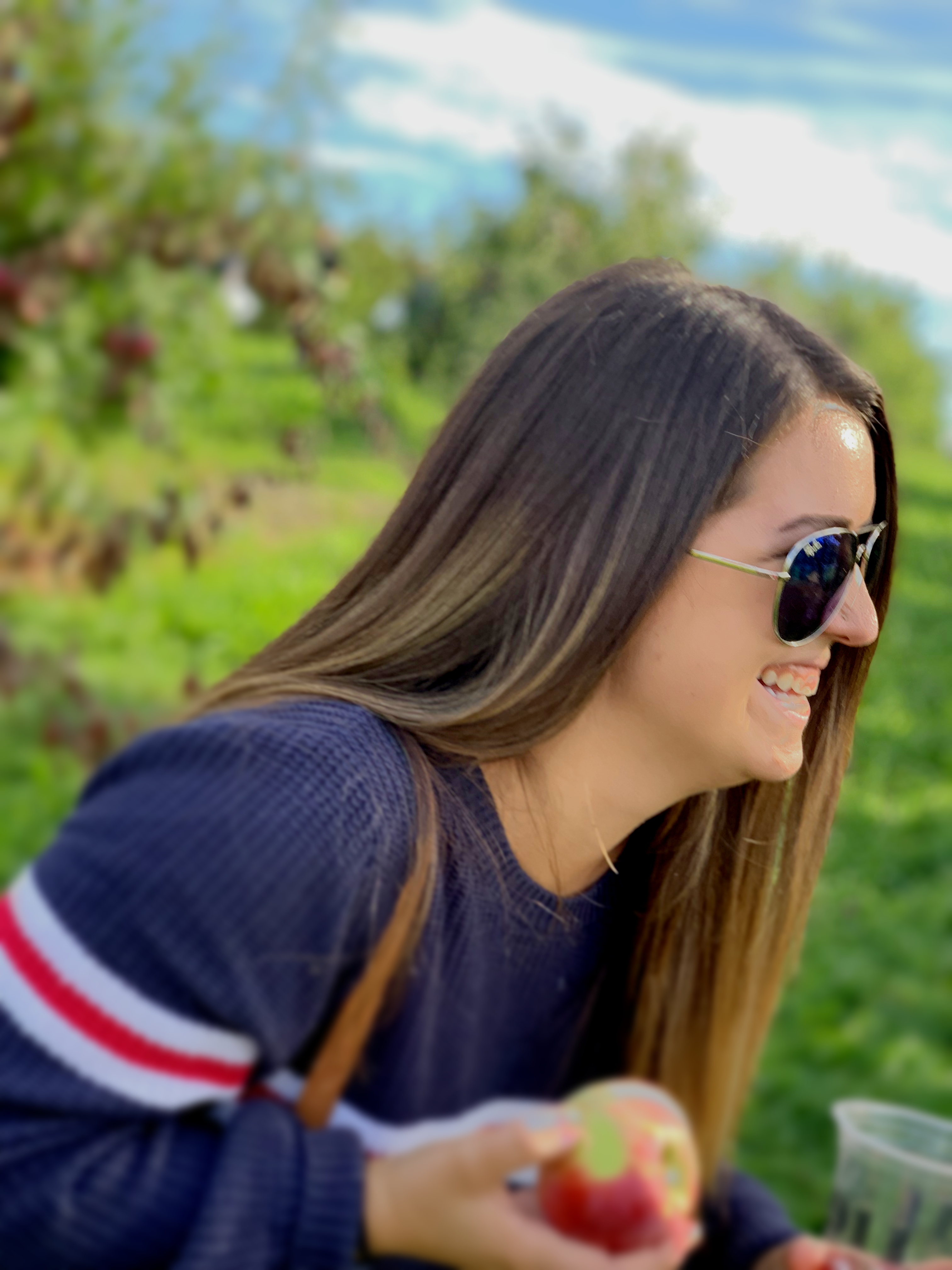
Here is a before and after of a portrait that I edited in snapseed.
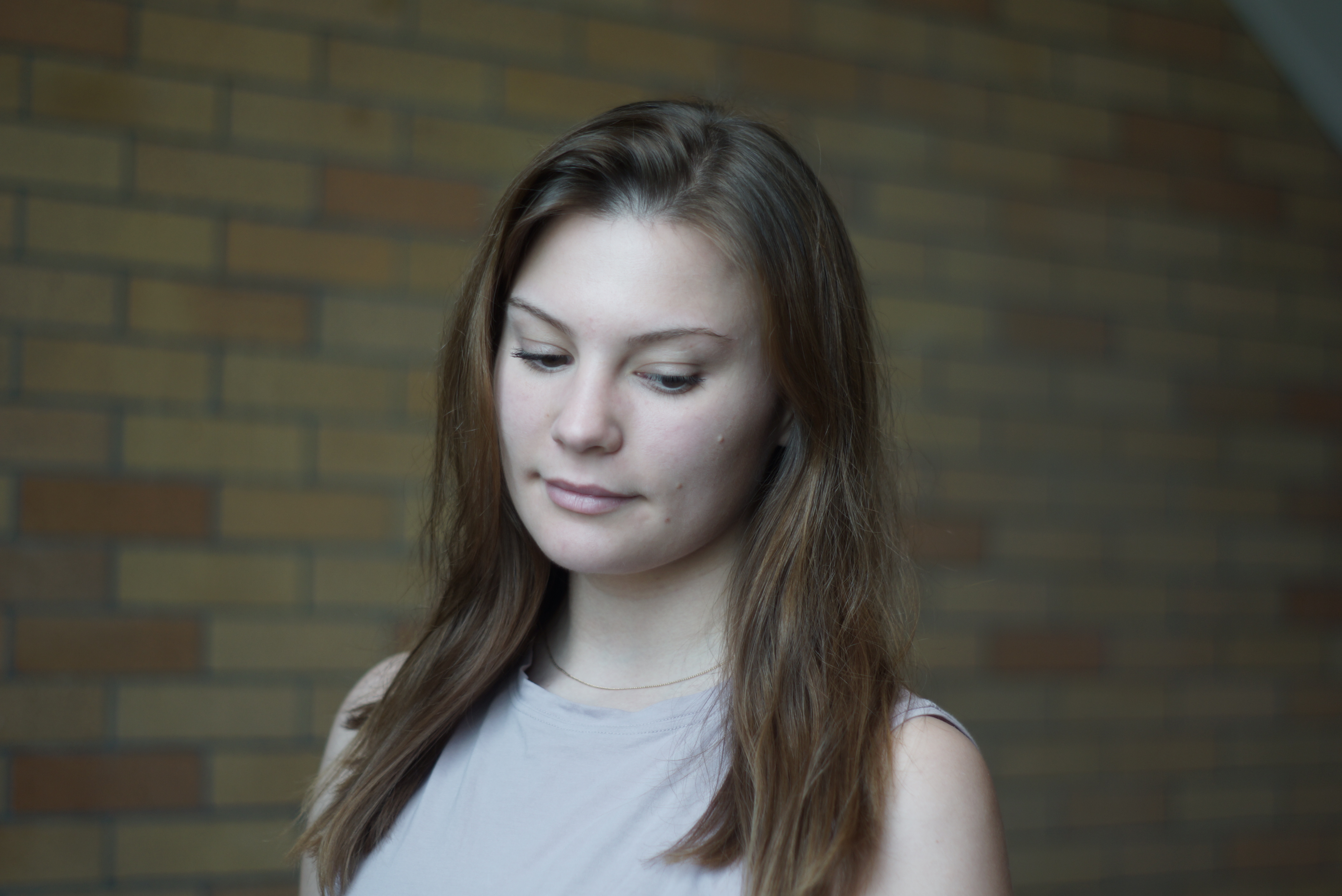
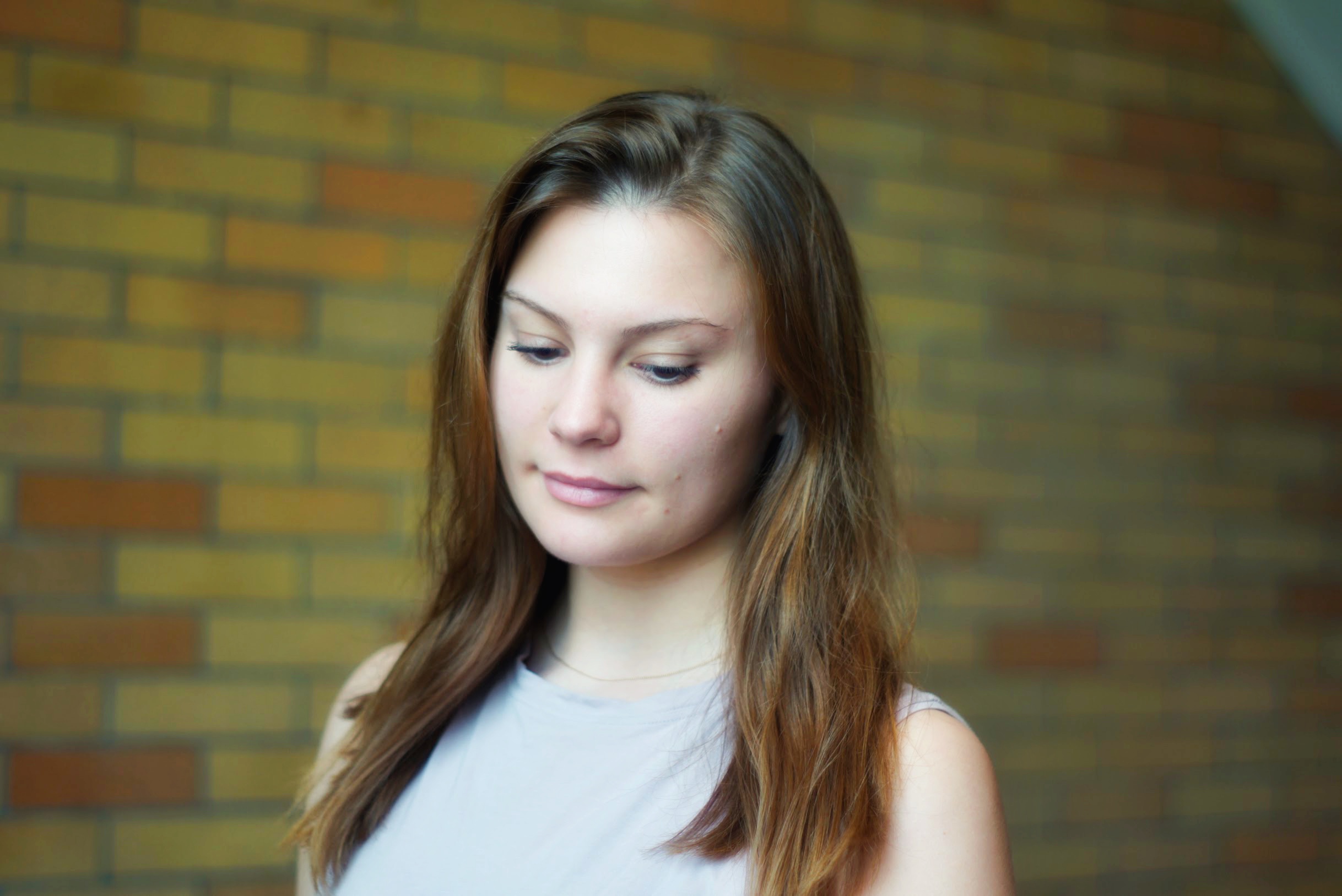
I really enjoyed this portion of this project because it forced my to go through all of the 10,000 pictures I have accumulated on my laptop over the course of 5 years. I uploaded my favorite ones to my flickr account, and I’m editing my top 4 of each category (landscape, abstract, and portraits).
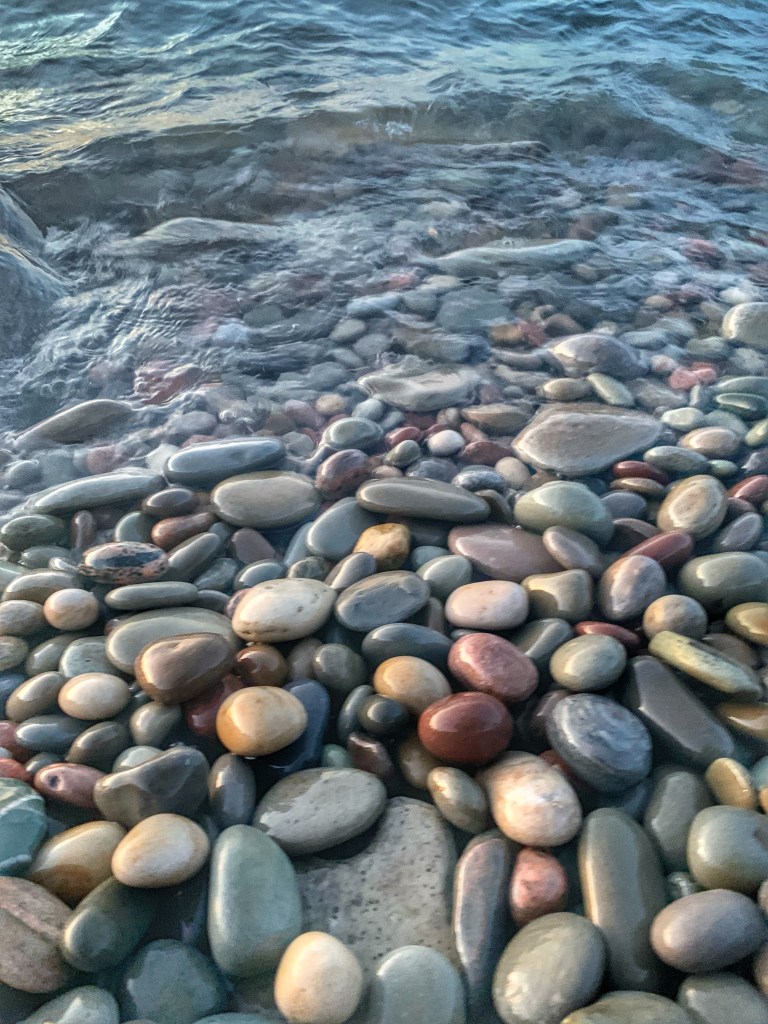
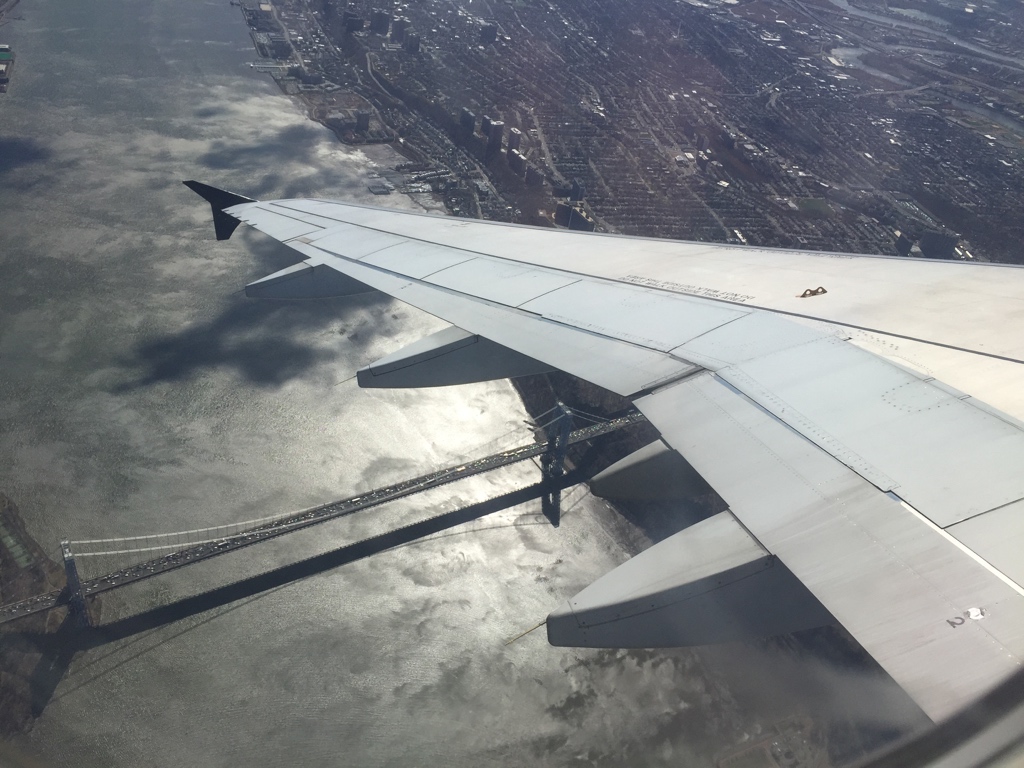
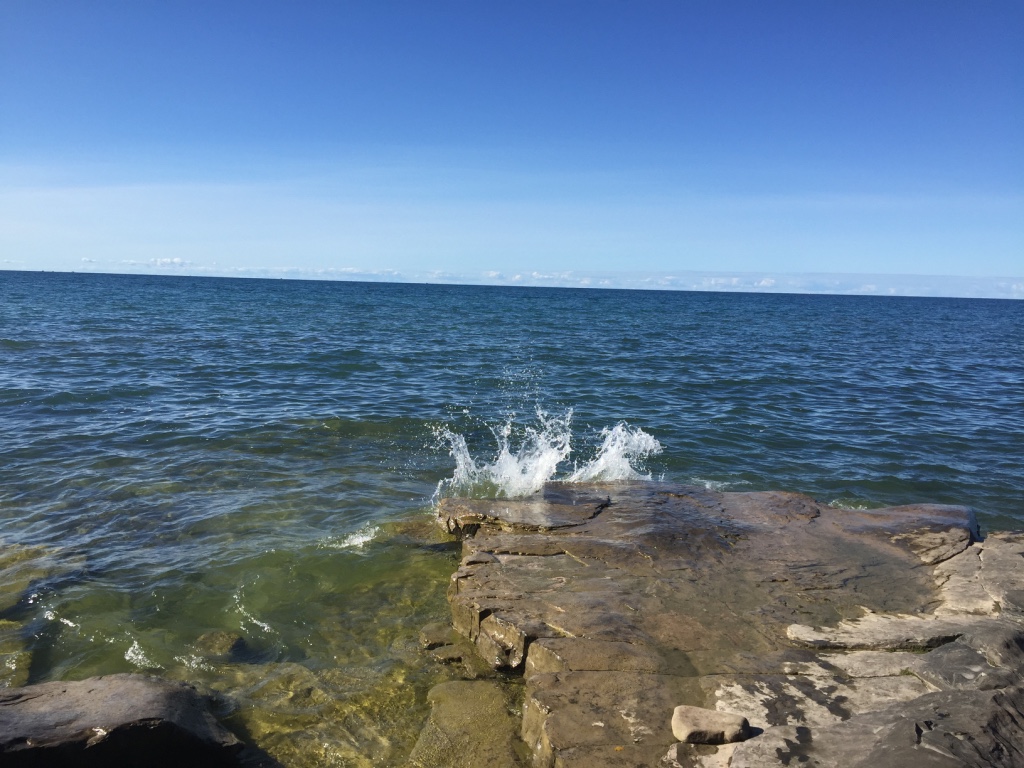
I chose to edit the pictures right in flickr because it’s easier than to send them back and forth to my phone to edit them using an app, and potentially losing some quality along the way. Here are some of the before versions of the pictures:
Abstract
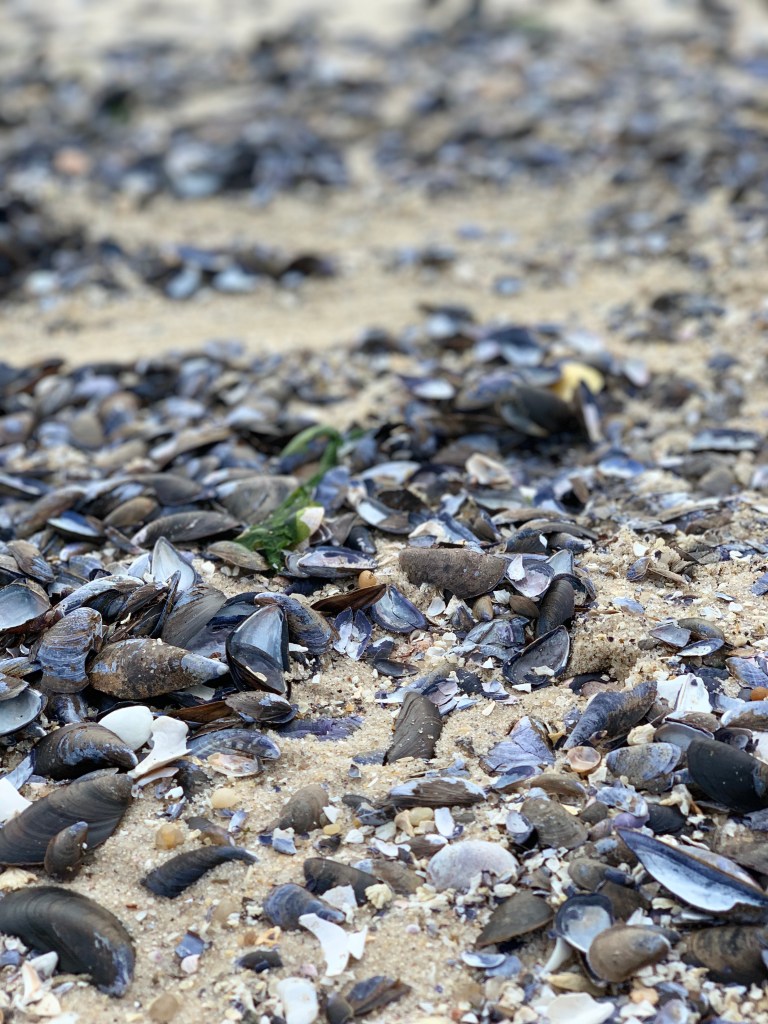
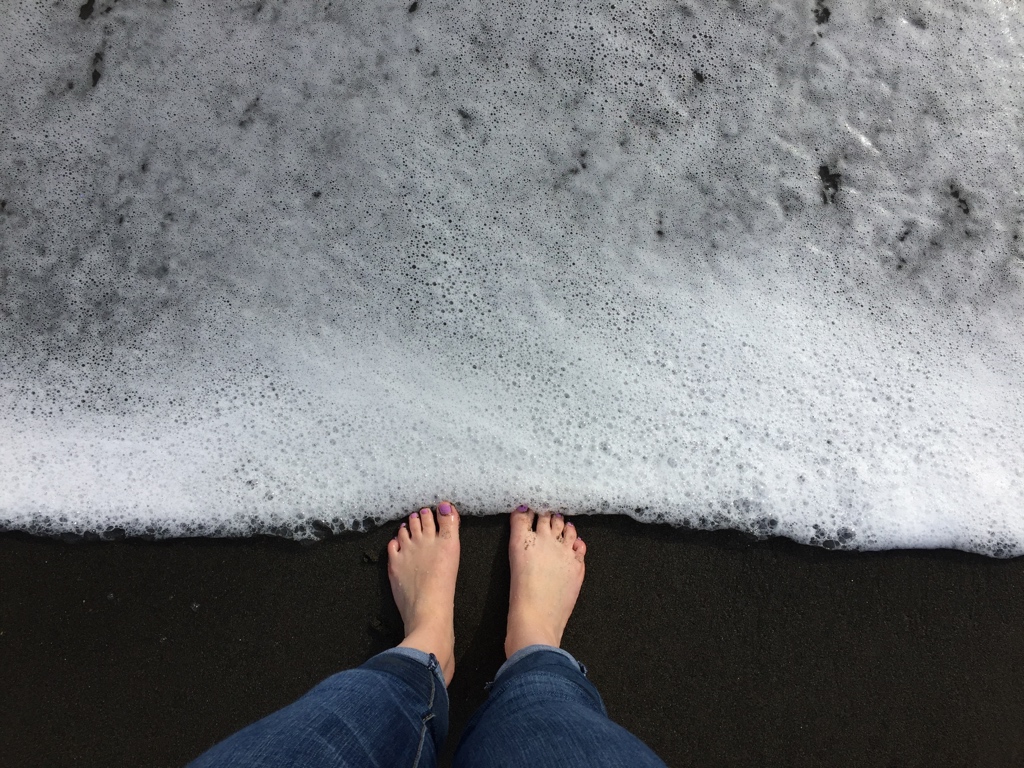
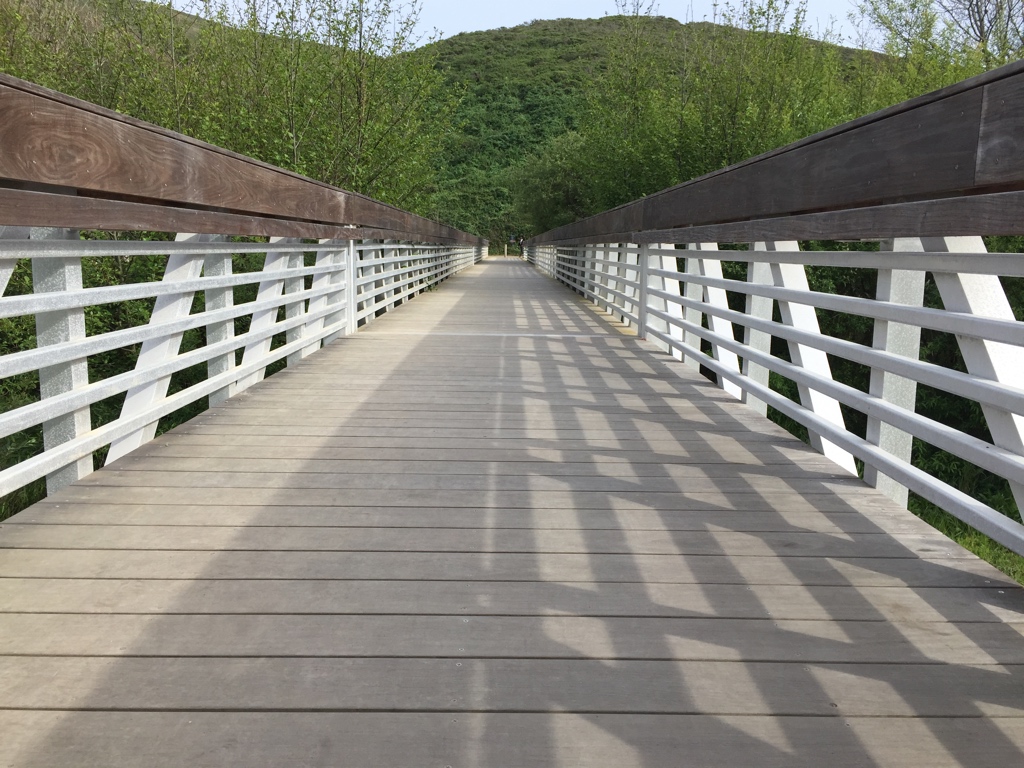
Landscapes
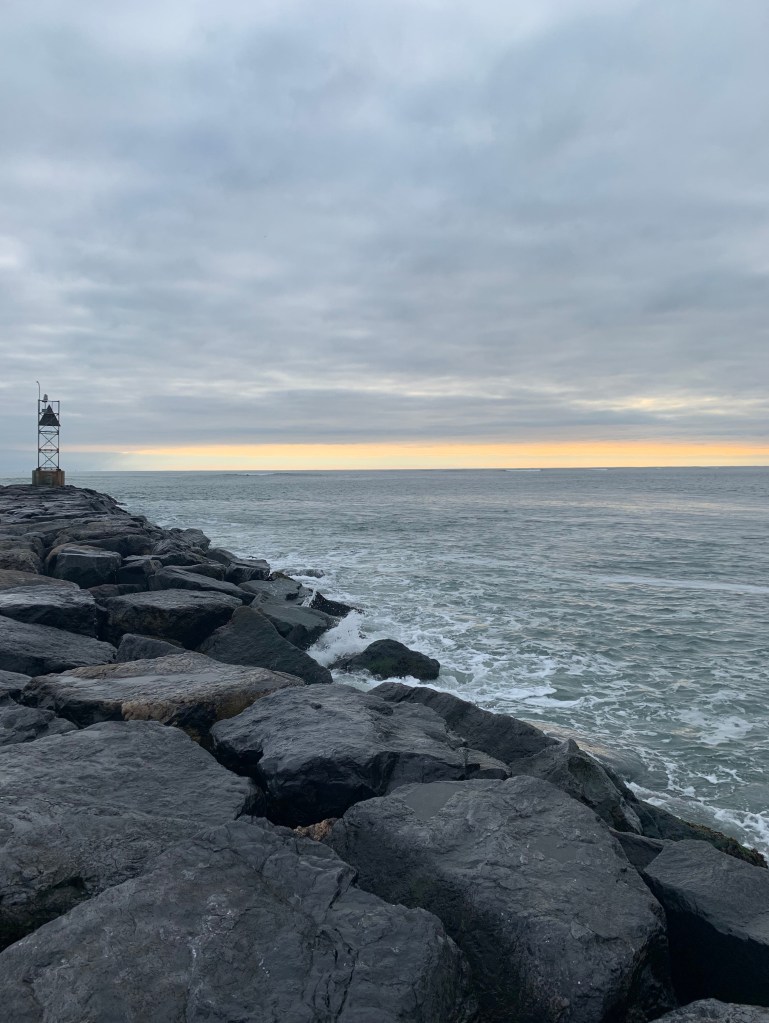
Portraits
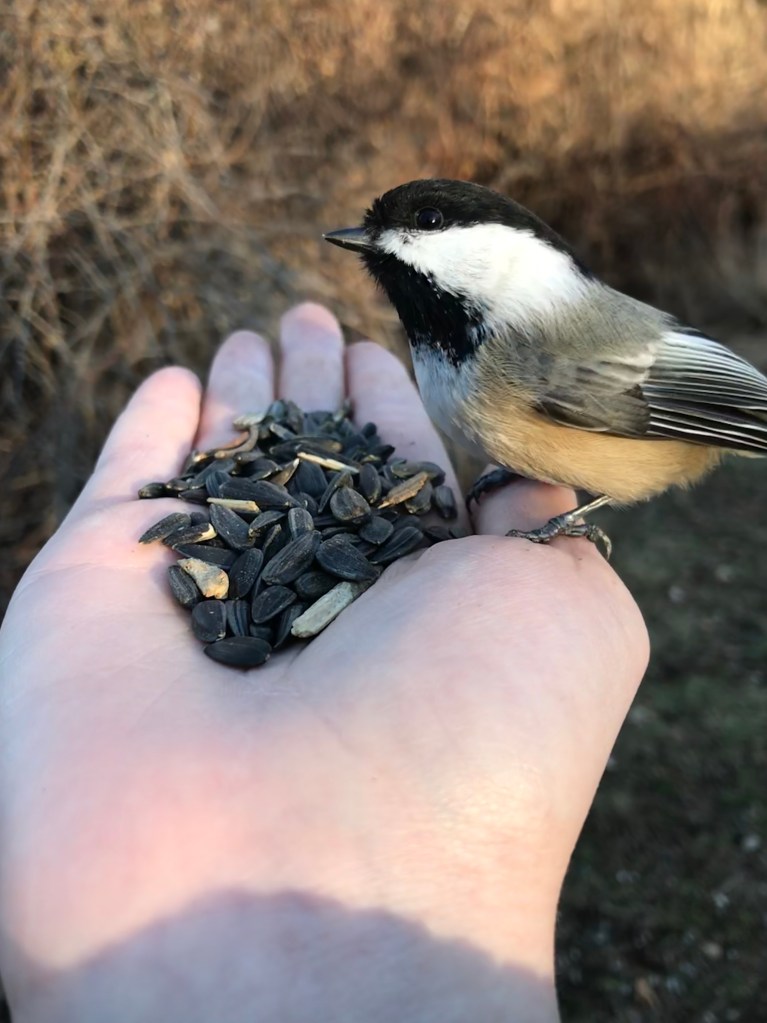
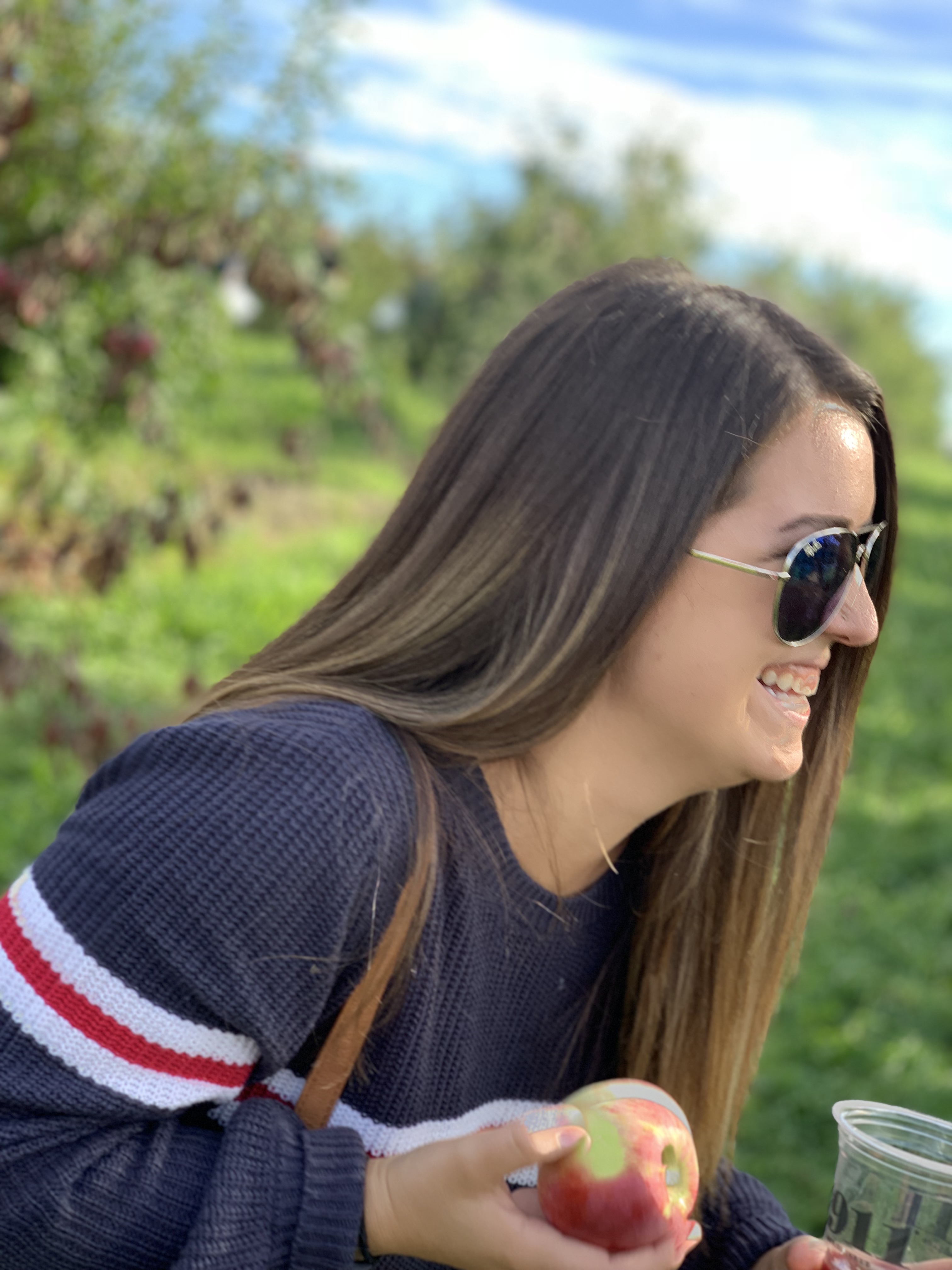
Edits
Abstract
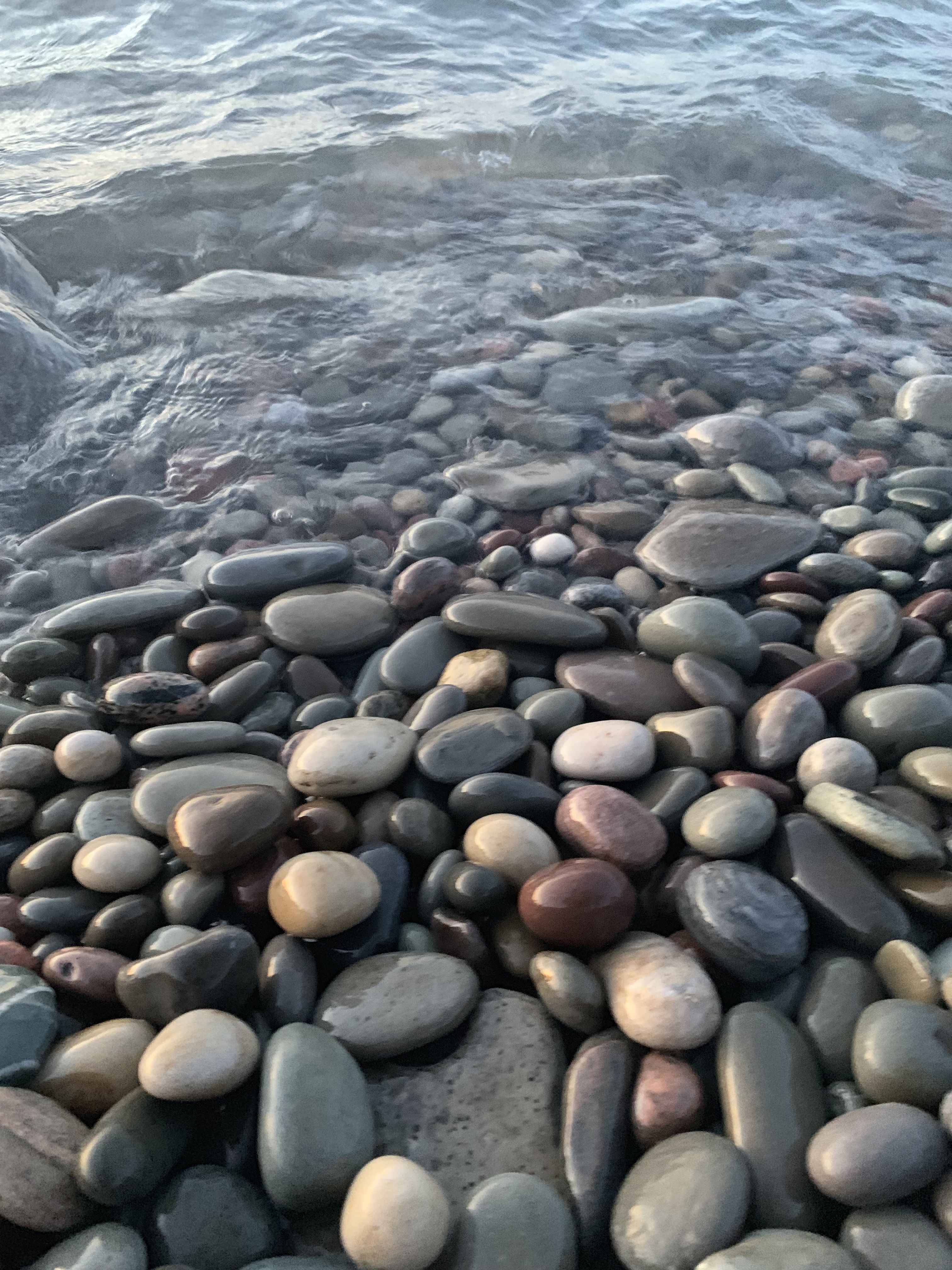
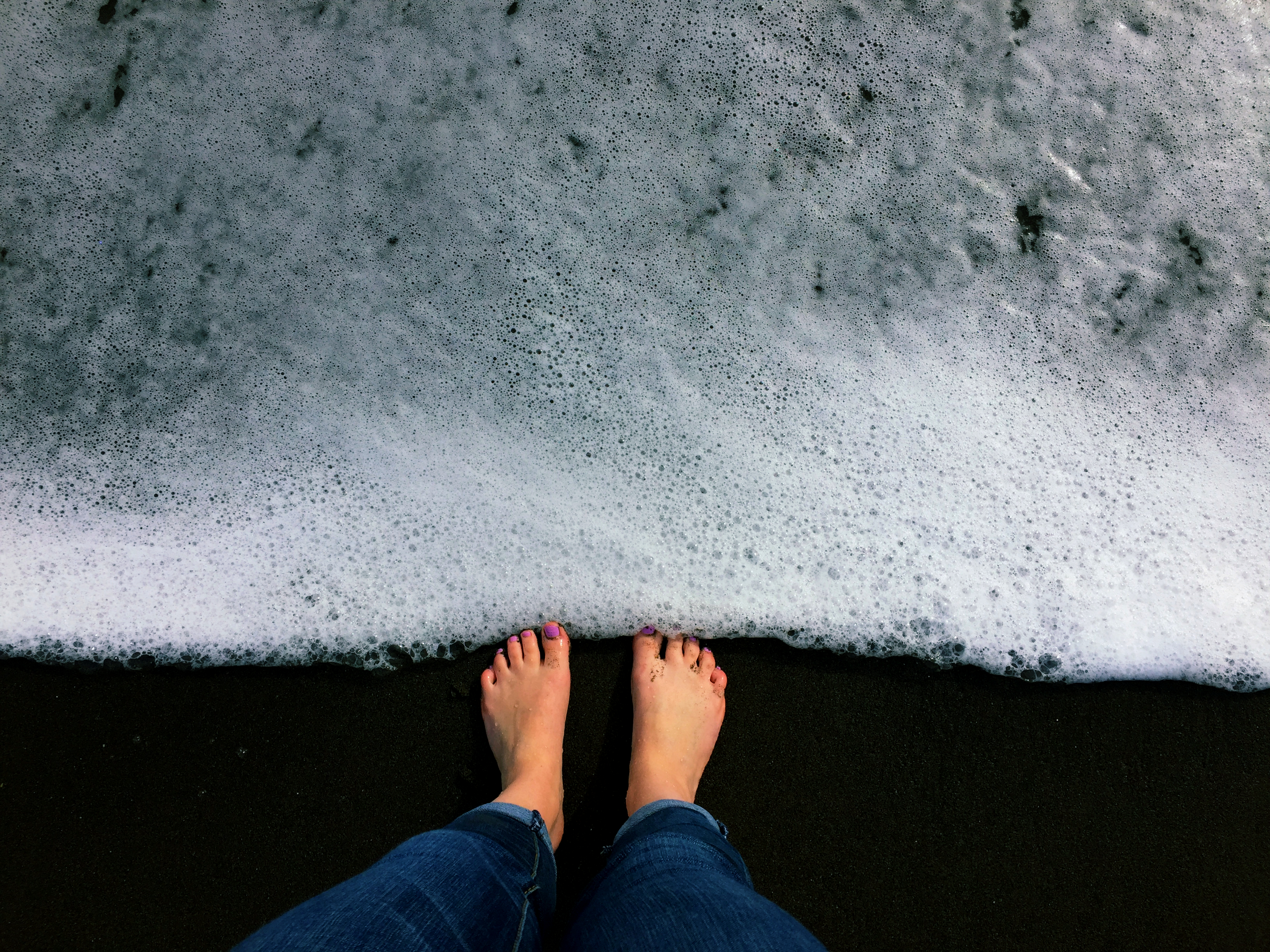
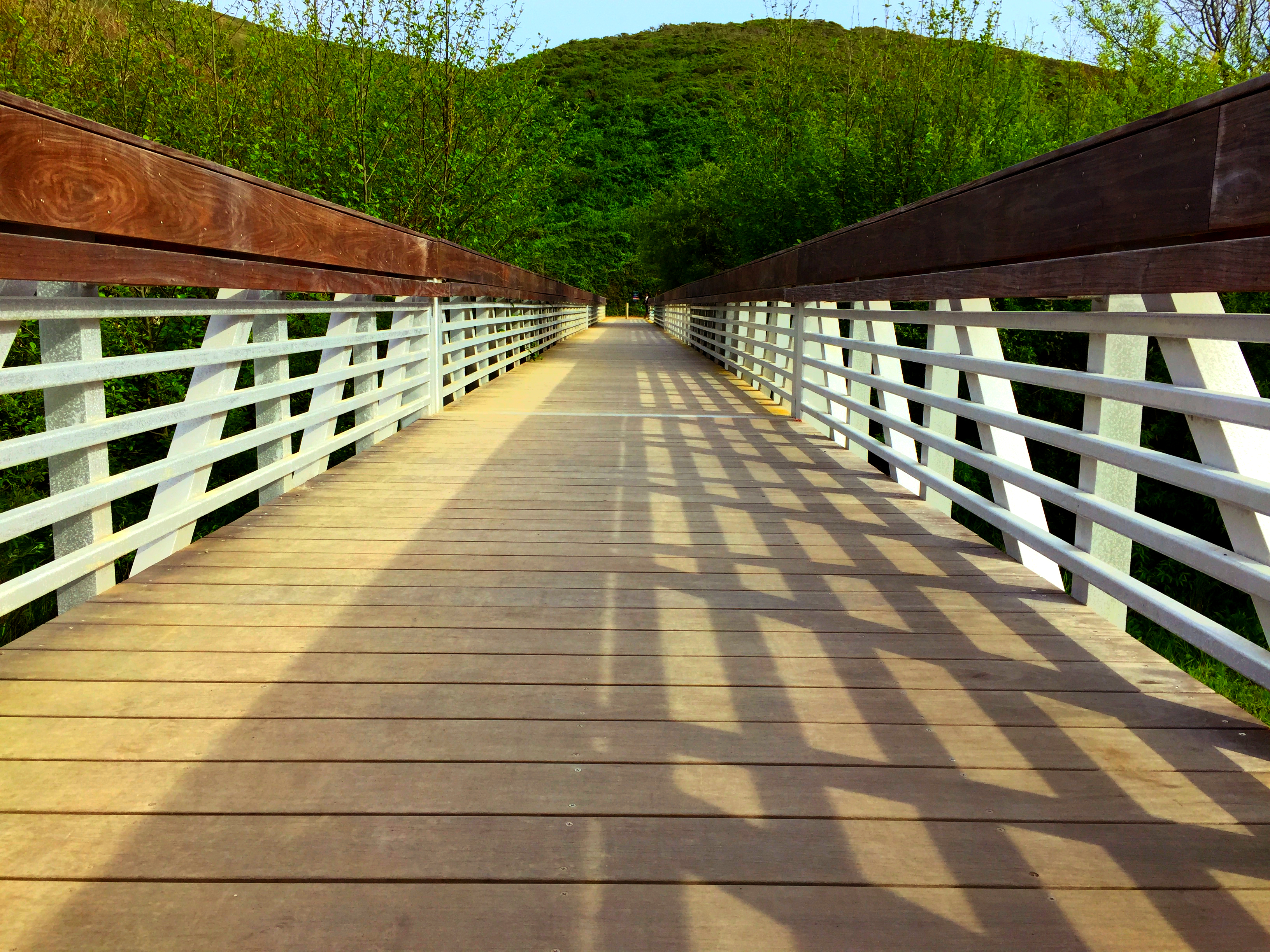
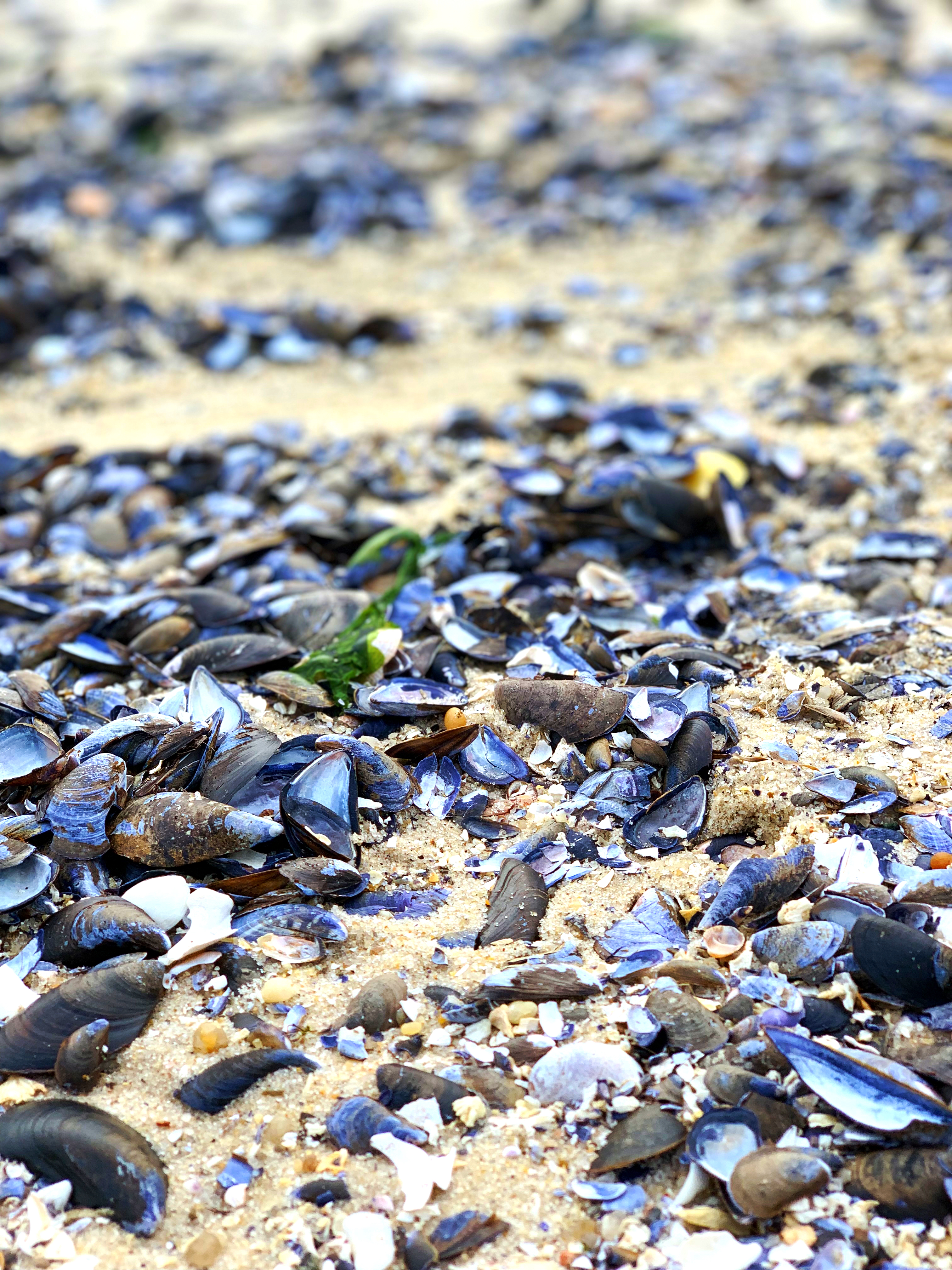
Landscapes
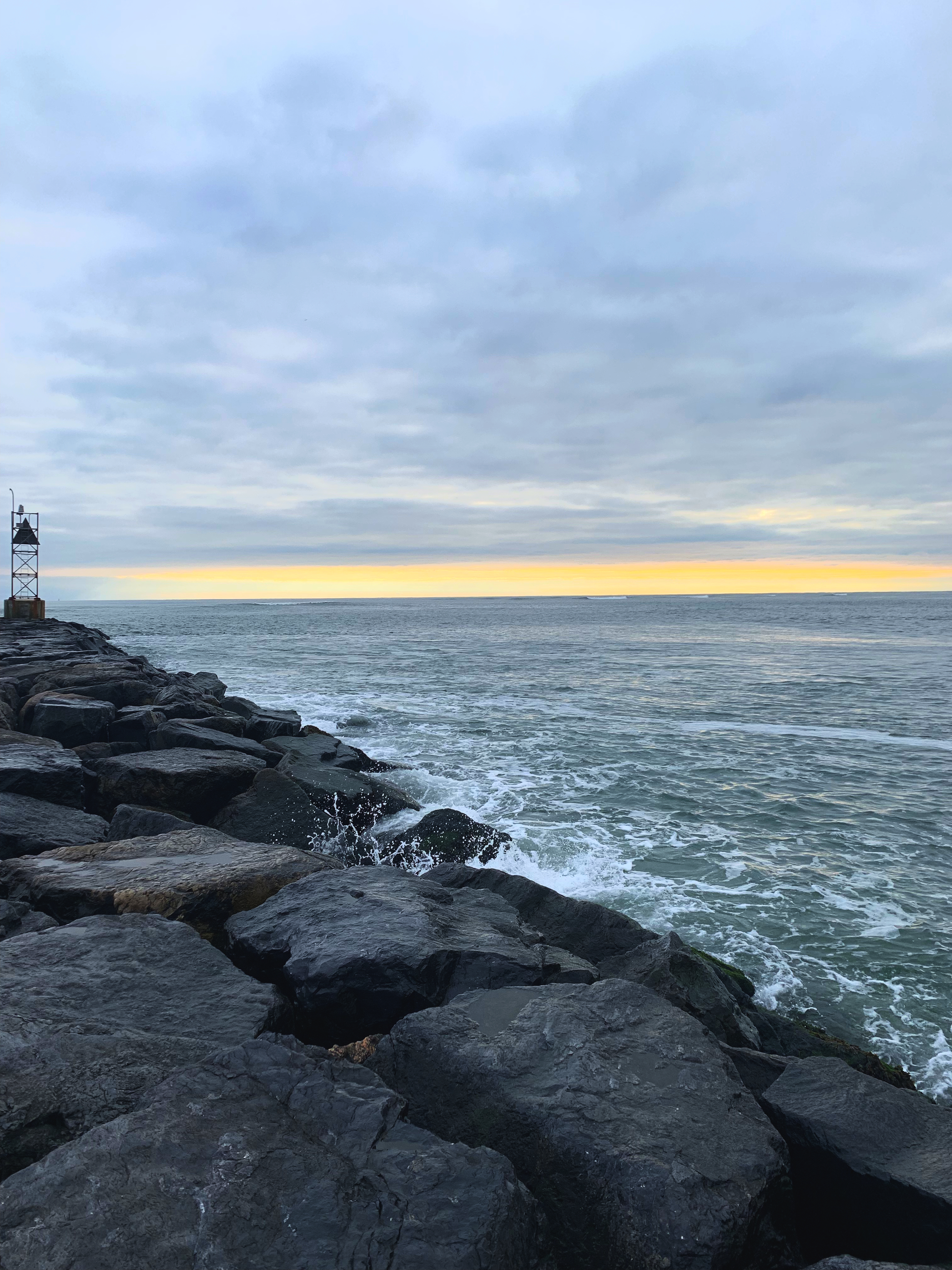
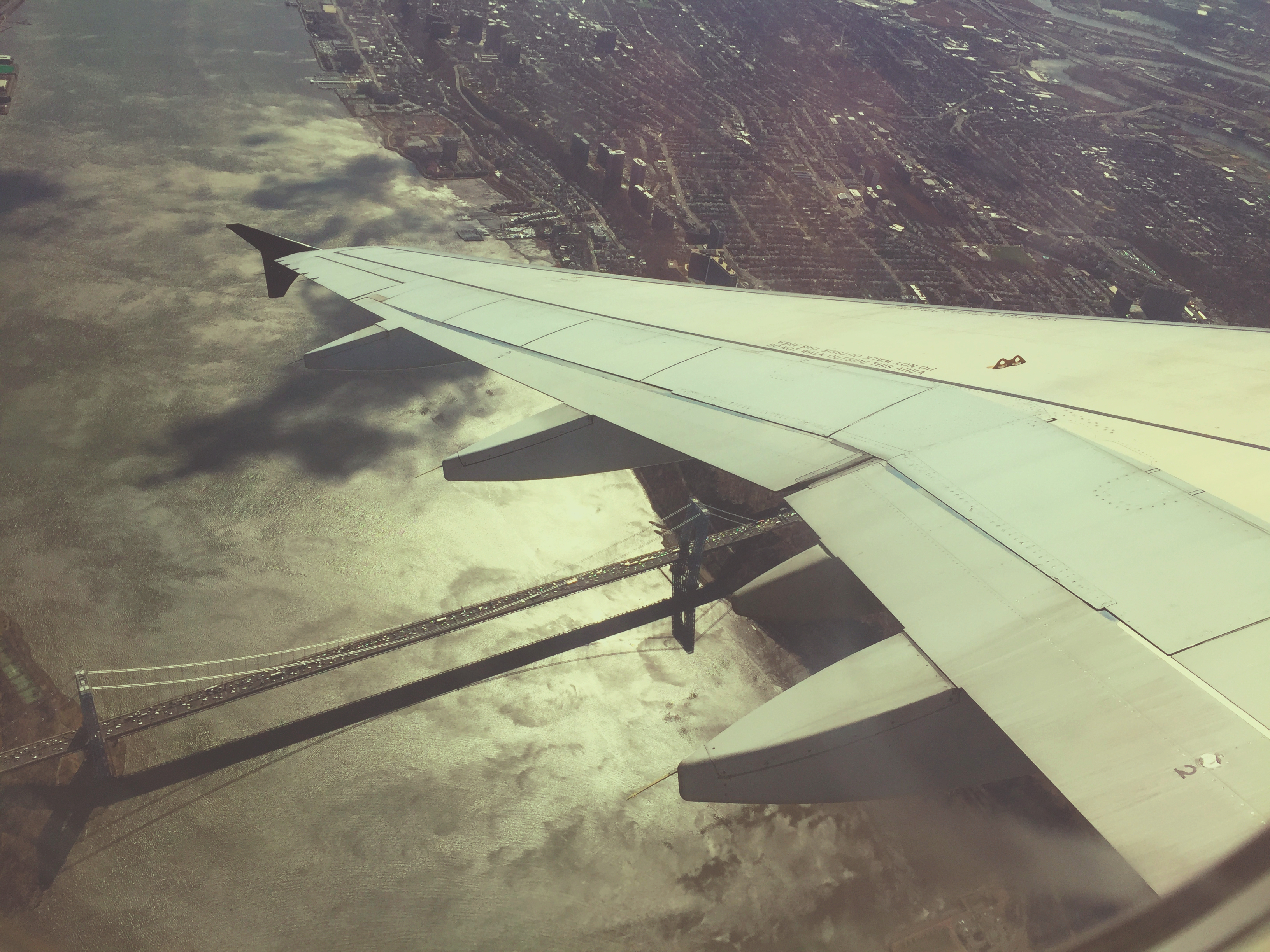
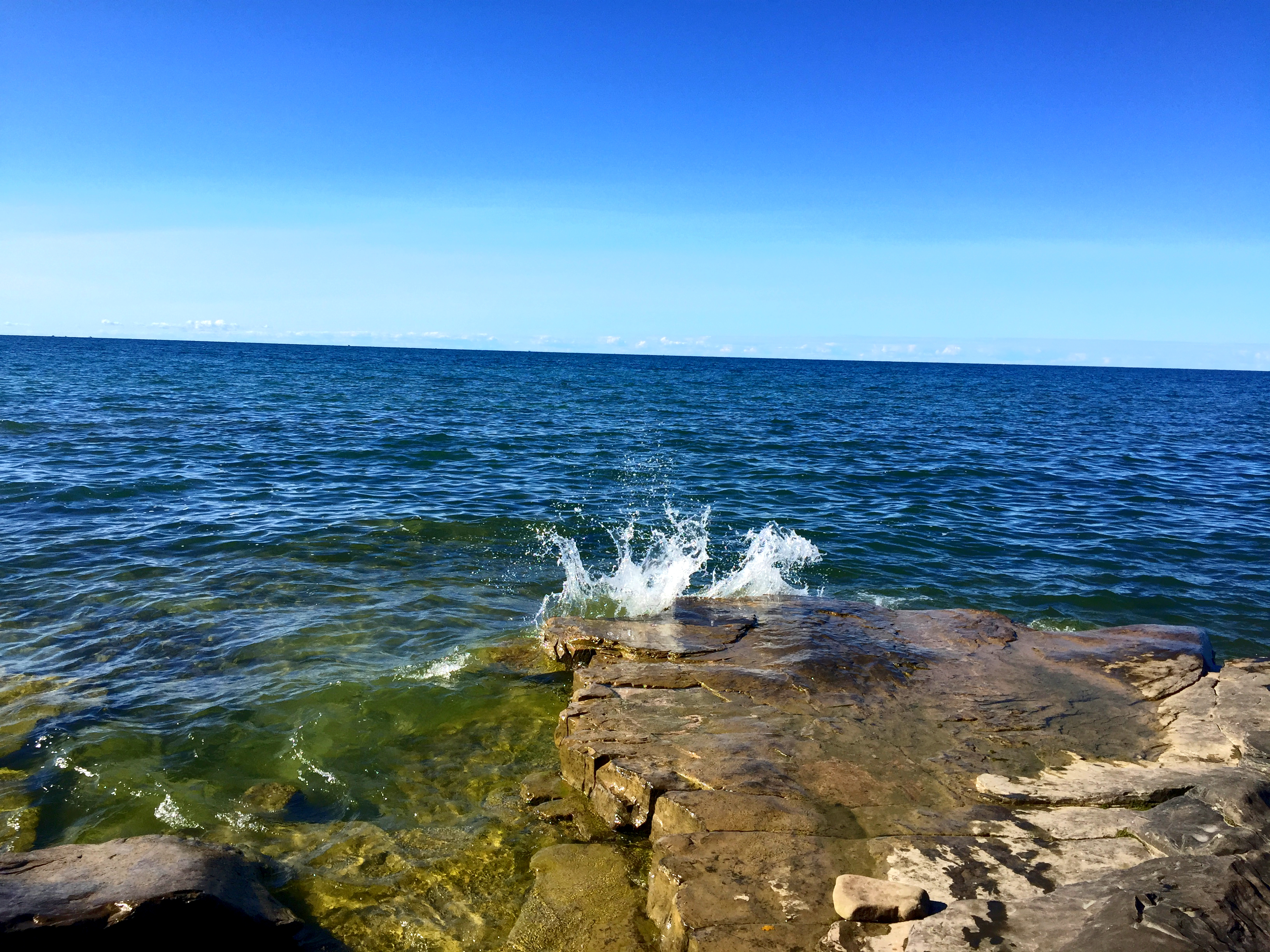
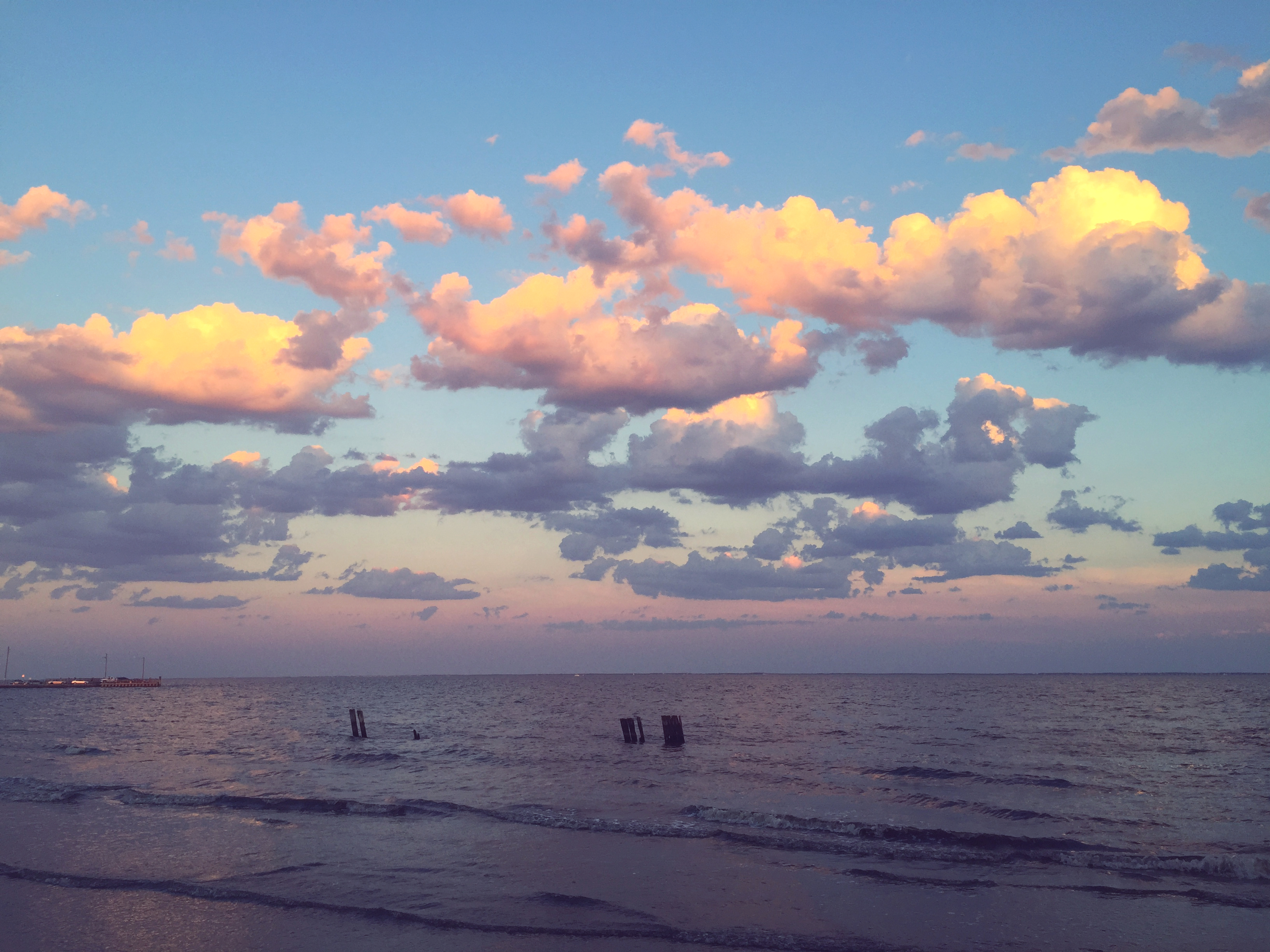
Portraits
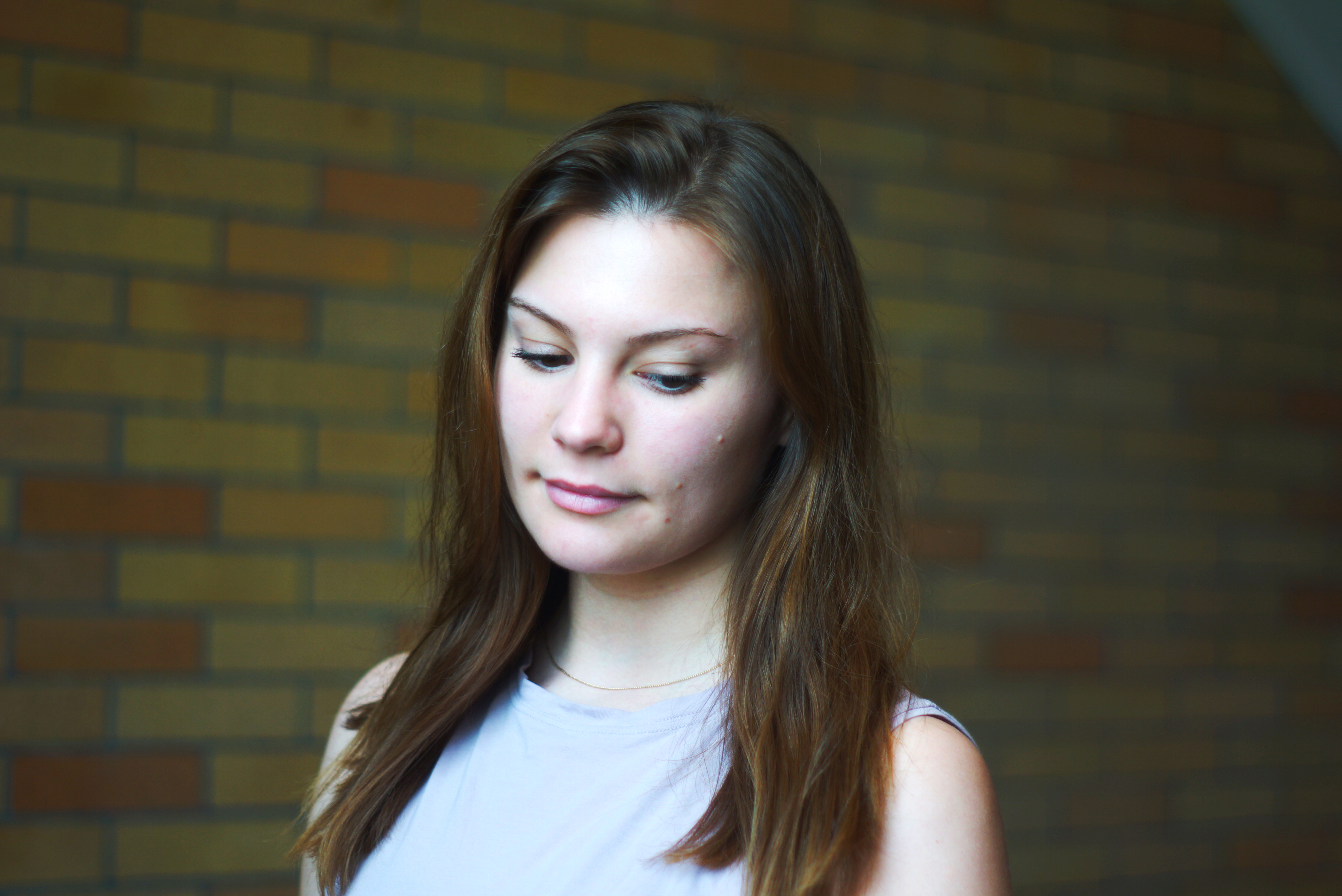
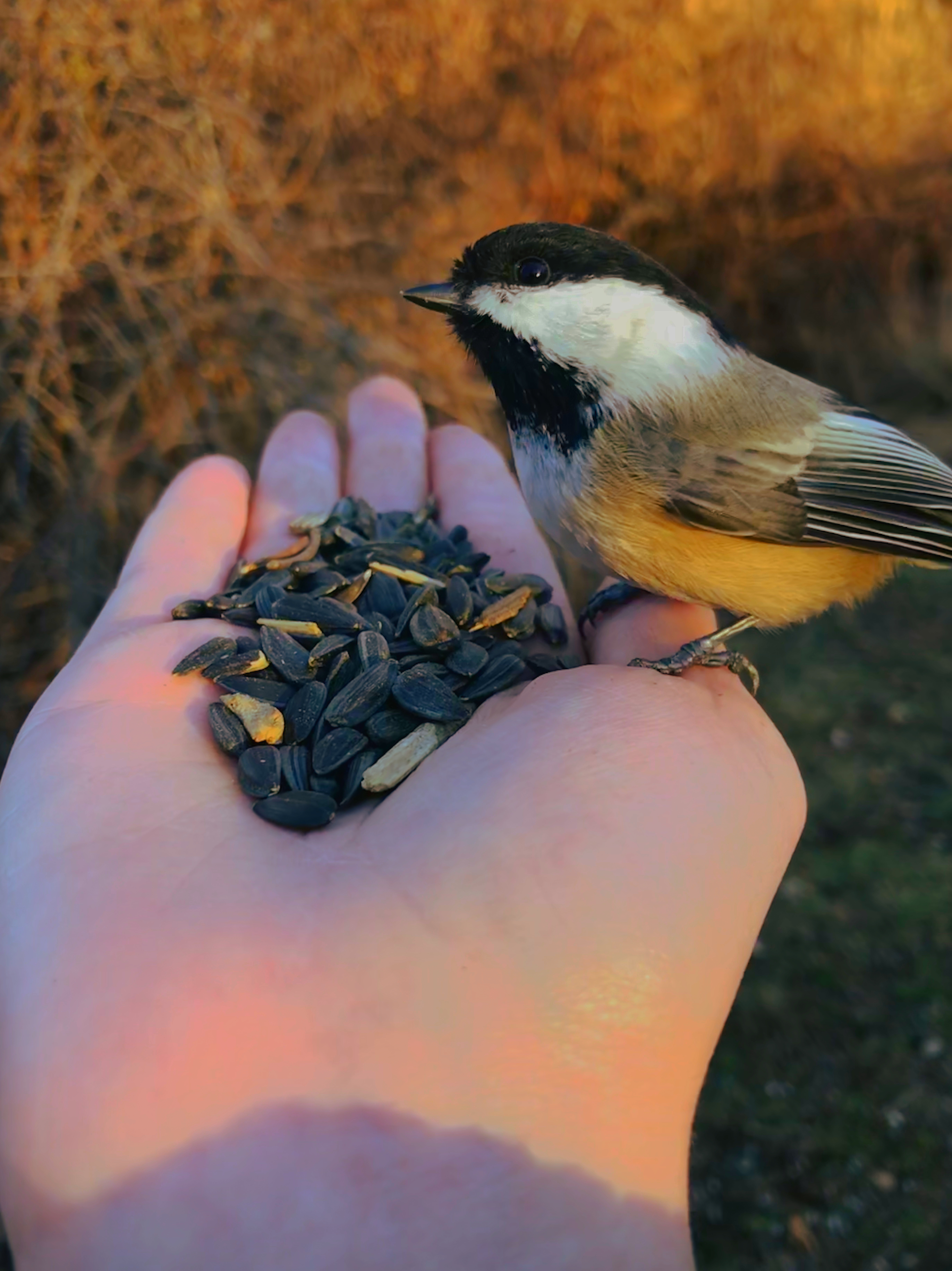
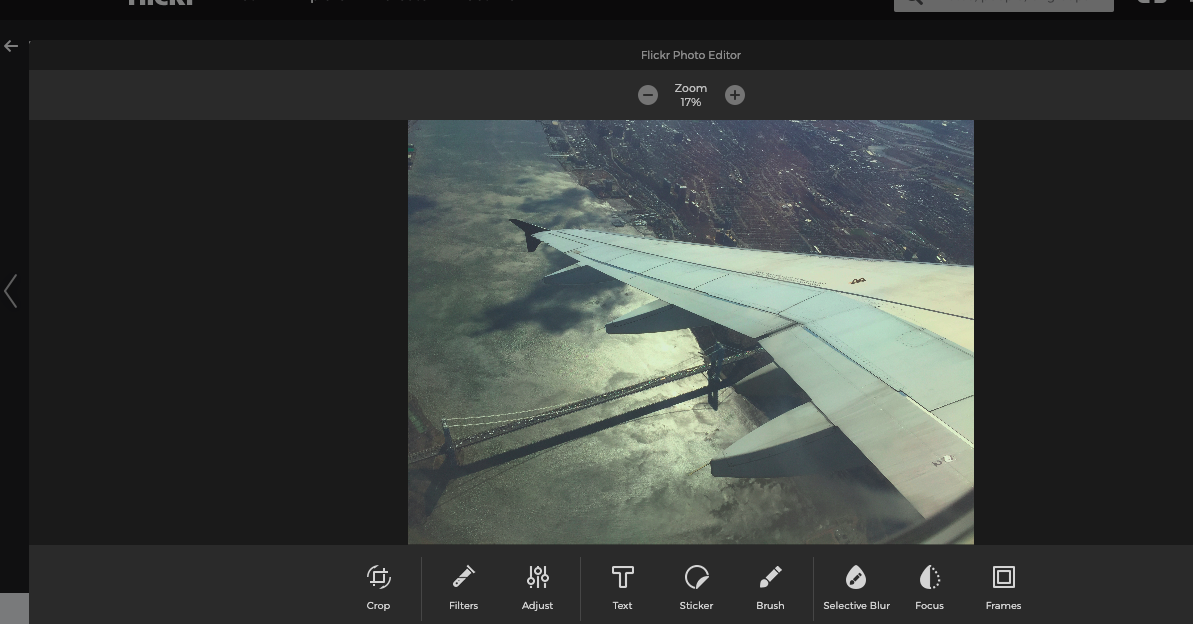
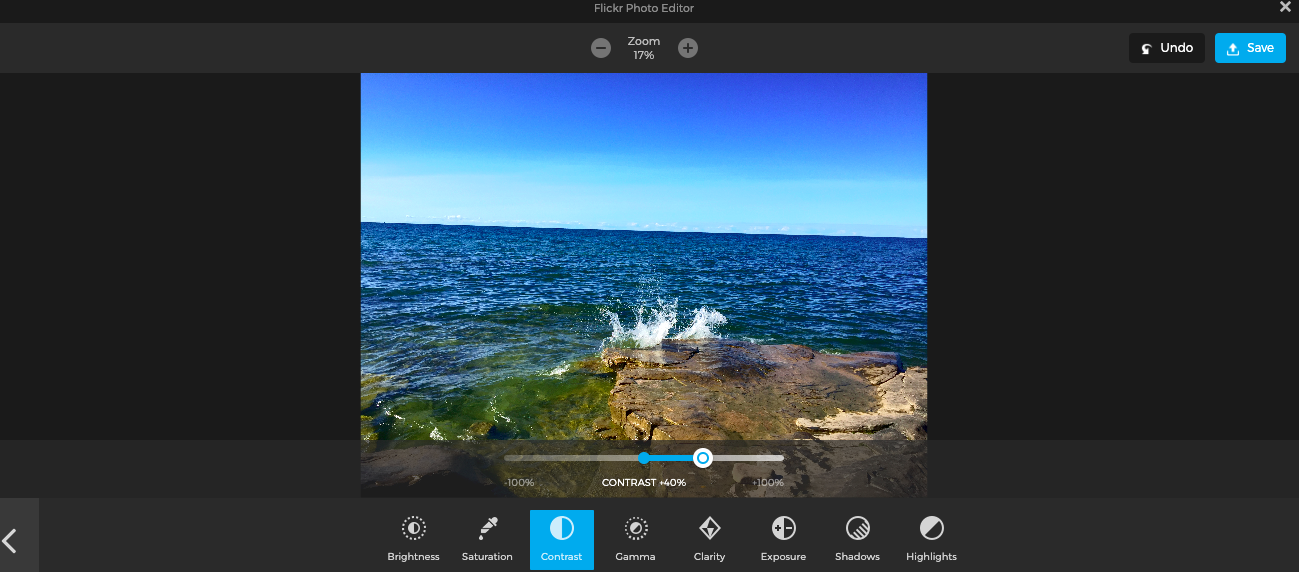
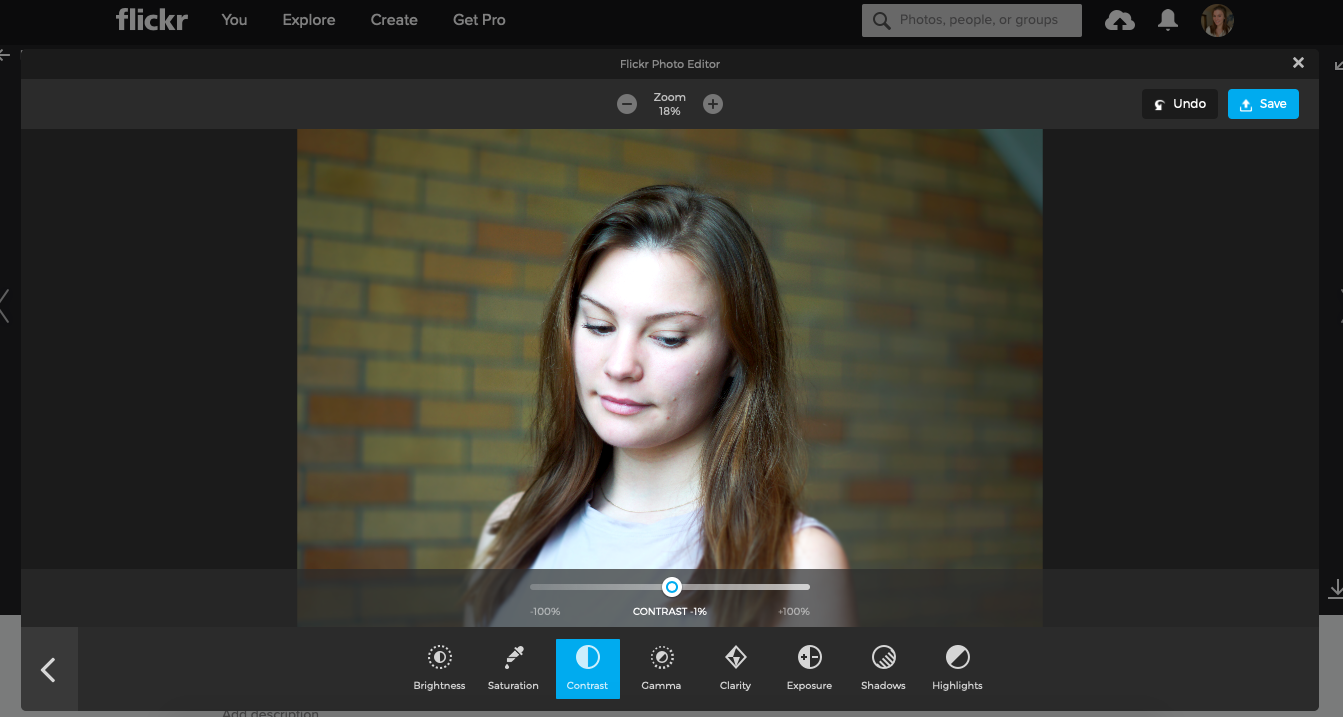
Process of editing some pics:
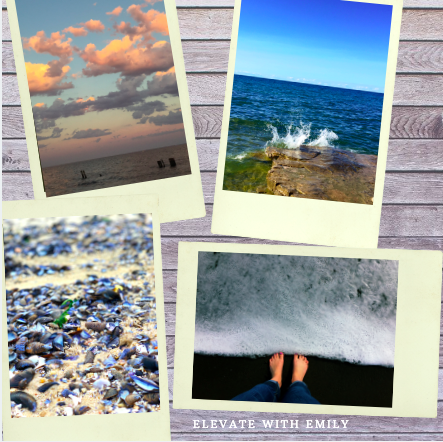
Check out this collage I made on Canva
The lesson I read on photzy was called “HOW TO DOCUMENT YOUR BEACH VACATION WITH PANACHE“. I love to take photos of sunsets, and I thought that this lesson could really help me to elevate my sunset instagram game. I’m originally from Long Island and I am lucky enough to be able to see the water every day. The ocean is a big part of my life and I love to photograph it. The sunsets at home are unparalleled. I learned that the horizon doesn’t necessarily have to always be the focal point of a beach photo. The author suggested making the focal point something that may be coming into the frame, like a tree or driftwood. I also learned not to have the horizon at the middle of the picture, but to have it in either the top third or bottom third.
I also read the article from our class’ flipboard account titled “5 Easy Tips For Improving Your Sunset Photography”. I liked this article because it was relevant to what I enjoy to photograph. Tip number 1 explained how to take advantage of the ‘golden hour”, also known as the period of time just before the sun sets and everything has a golden glow to it. Tip number two reminded readers that there are objects and silhouettes to be captured as well as the sun, and gave these pictures as examples.
Tip number three reminded photographers to adjust their aperture to the smallest your lens can achieve. Tip number four suggested using a tripod to reduce shakiness and blur or lens flares. The last tip, number 5, taught readers about composition techniques such as, complementary colors, foregrounds, and reflections.
The article I featured in this review was called “Custom Photo Filters Are the New Instagram Gold Mine“. I chose to also include this information about presets in my photo app review because it was something that I was genuinely curious about and I considered using it until I found out that Light Room costs $10/month 😦
I liked this article because it explained exactly what “instagram presets” were, and why people are using them. I think that whoever thought of selling their editing tips and packages is an absolute genius. For only about $3-$10 you can get a single preset or a pack of presets. So, what *exactly* are presets? Well according to this article presets are;
Presets are custom filters applied using Adobe Lightroom, a photo-editing tool. Influencers run all their photos through a specific preset in order to cultivate an aesthetic and make their feed look cohesive
Taylor Lorenz (The Atlantic)
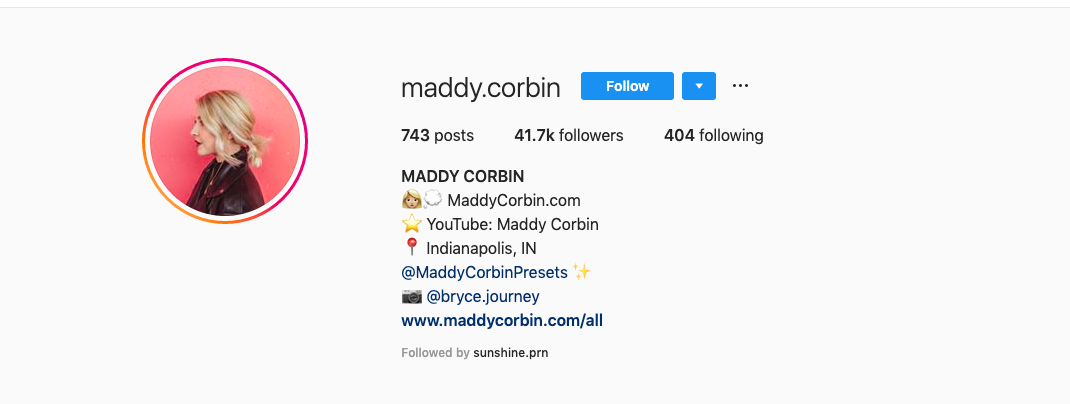
Influencers, such ad Maddy Corbin, whom I featured in this video have taken full advantage of this market and even has an instagram page dedicated to her presets.
Maddy’s REAL instagram 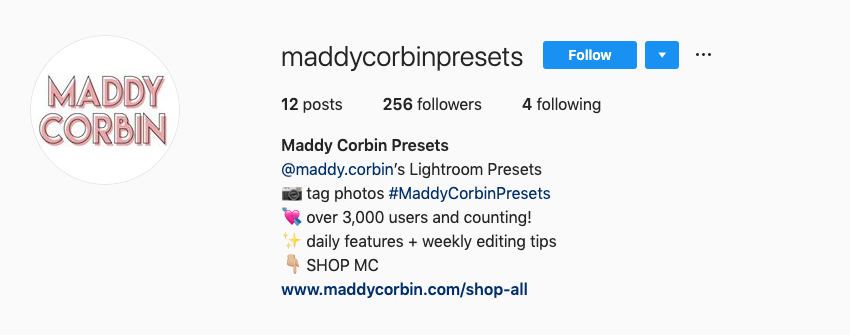
Maddy’s PPRESET instagram
Maddy’s real instagram can be found here, and her preset page can be found here.
Diving into the actual app review:
I like snapseed because there are many ways that you can edit a picture. I like to use snapseed more for landscape type pictures because it can highlight scenery rather well. Overall 4/5 stars, I’m not a fan of the way you have to swipe up to get other editing options, such as contrast, brightness, saturation, etc. Another photo editing app (that is also a monthly subscription, or a one time fee of $5.99 for the older version of the app) is called “Face Tune 2” and it is basically photoshop for your phone, but emphasizes more on body and face transformations and edits, rather than landscapes.

Snapseed Logo 
FaceTune Logo 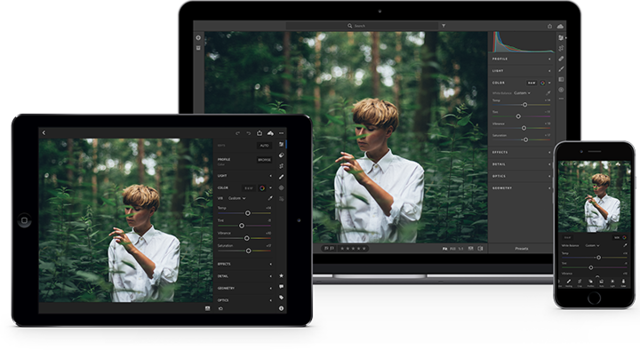
Adobe Lightroom
 Emily
Emily 