
The article I featured in this review was called “Custom Photo Filters Are the New Instagram Gold Mine“. I chose to also include this information about presets in my photo app review because it was something that I was genuinely curious about and I considered using it until I found out that Light Room costs $10/month 😦
I liked this article because it explained exactly what “instagram presets” were, and why people are using them. I think that whoever thought of selling their editing tips and packages is an absolute genius. For only about $3-$10 you can get a single preset or a pack of presets. So, what *exactly* are presets? Well according to this article presets are;
Presets are custom filters applied using Adobe Lightroom, a photo-editing tool. Influencers run all their photos through a specific preset in order to cultivate an aesthetic and make their feed look cohesive
Taylor Lorenz (The Atlantic)
Influencers, such ad Maddy Corbin, whom I featured in this video have taken full advantage of this market and even has an instagram page dedicated to her presets.
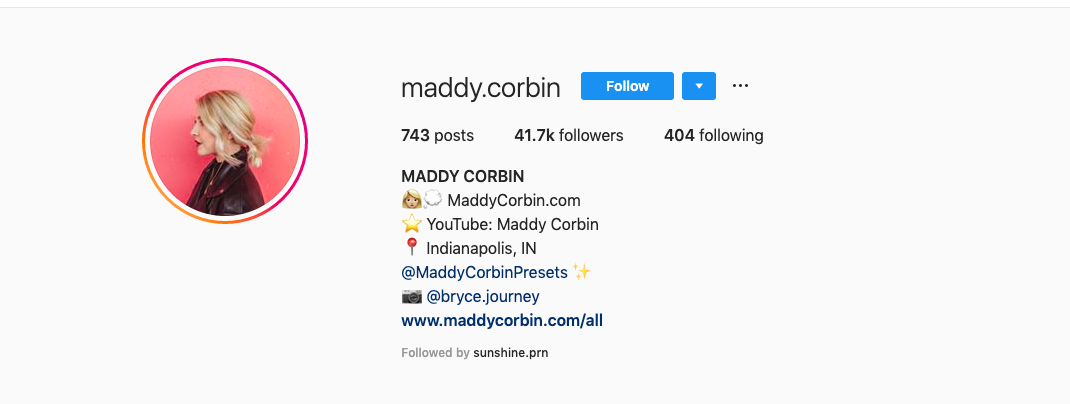
Maddy’s REAL instagram 
Maddy’s PPRESET instagram
Maddy’s real instagram can be found here, and her preset page can be found here.
Diving into the actual app review:
I like snapseed because there are many ways that you can edit a picture. I like to use snapseed more for landscape type pictures because it can highlight scenery rather well. Overall 4/5 stars, I’m not a fan of the way you have to swipe up to get other editing options, such as contrast, brightness, saturation, etc. Another photo editing app (that is also a monthly subscription, or a one time fee of $5.99 for the older version of the app) is called “Face Tune 2” and it is basically photoshop for your phone, but emphasizes more on body and face transformations and edits, rather than landscapes.

Snapseed Logo 
FaceTune Logo 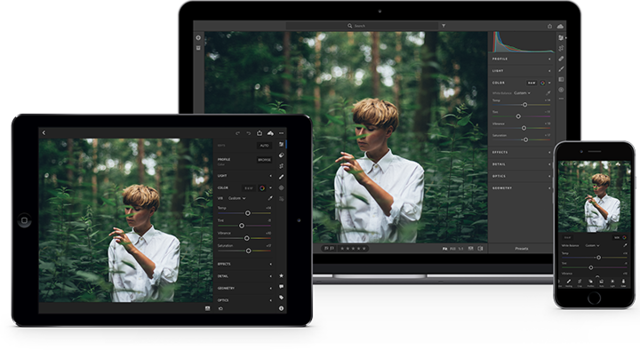
Adobe Lightroom
 Emily
Emily 